
crewOS vs InspectAll:
An Honest Comparison for Crane Service Companies in 2026
You’re evaluating two crane inspection platforms — but only one was built for what happens after the inspection. Here’s where each tool fits, where it doesn’t, and what migration looks like if you decide to move.
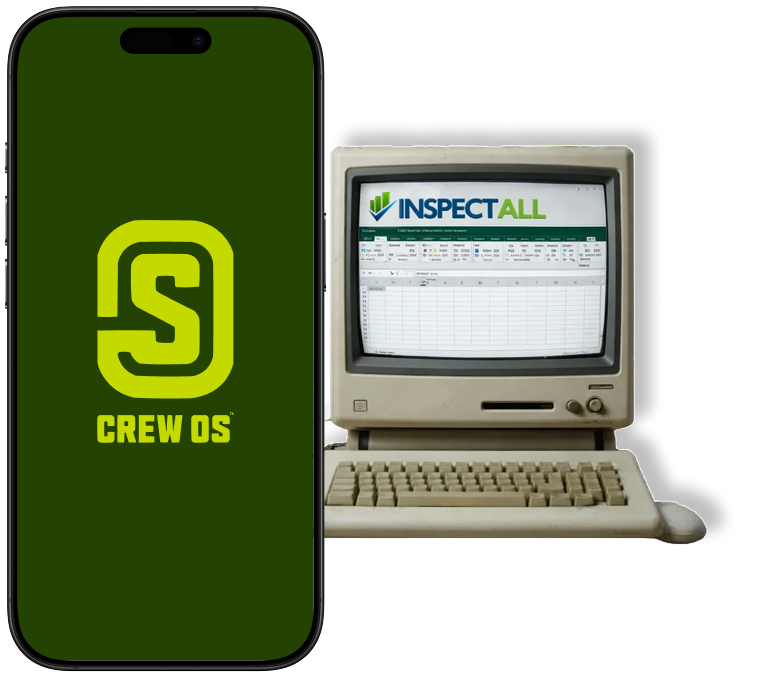
Industrial service teams switching from InspectAll, trust crewOS


Why this comparison exists
About 80% of the crane service industry runs on InspectAll. That’s not because it’s the best tool — it’s because for a long time, it was the only tool that took crane inspection seriously. We’ve heard the truth on plenty of evaluation calls:
“Basically 80% of the industry uses InspectAll. And that’s a system that I’ve done a couple of demos on and it just feels ancient.”
— Service manager, GenGroup
The work has changed. A modern crane service operation isn’t running standalone inspections — it’s running an inspection that triggers a deficiency, that becomes a quote, that becomes a work order, that becomes an invoice. InspectAll handles step one. crewOS handles all five.
That’s the real comparison. Let’s get into it.
At a glance
A feature-by-feature look at where each platform fits.

How Morgan Site Services switched from InspectAll — and never looked back.
Morgan needed more than an inspection tool. They needed a platform their crews could actually run the rest of the job on. They made the switch from InspectAll to crewOS — and now run the full lifecycle, inspection through invoice, out of one connected system.
Same audit-ready compliance. A fraction of the form-library overhead. And every deficiency now flows straight into billable work instead of getting lost in a PDF.
Read the full Morgan case study →Where InspectAll wins
We’re not going to pretend InspectAll has no place. Here’s the honest scenario where it fits:
You only do inspections — and you only ever will.
If you don’t run service work, don’t bill for repairs, and don’t plan to, InspectAll’s narrower focus is genuinely simpler to roll out than a full operating platform.
Where crewOS wins
Three places the platform built for the rest of the job pulls ahead.
1. The inspection is the start of the job — not the end.
When your tech finishes a crane inspection, what happens next?
In InspectAll, the report is the deliverable. The deficiencies live in a PDF. Getting them into a quote, into a work order, into an invoice — that’s manual work spread across spreadsheets, emails, and someone’s notepad.
In crewOS, the inspection kicks off the rest of the job. Deficiency findings flow into work order line items. Photo evidence drops into the customer-facing quote. The hours your tech spent flow to payroll and invoicing without a second data entry. The whole job lives in one record.
This isn’t a theoretical advantage. Morgan Site Services went from 12 invoices in a 2-hour session to 30+ invoices in 30 minutes — and eliminated a full-time data entry position in the process.
“crewOS was the one system we had been looking for all along.”
— Ricci Halbrook, Operations Manager, Morgan Site Services
2. Your customer data isn’t sitting on a competitor’s server.
This is the quiet one — and the most uncomfortable. InspectAll is owned by Ace Crane, a service company that competes directly with many of the businesses running on the platform. Customer lists, asset histories, deficiency reports — they all live in that environment.
crewOS is independently owned. We sell software — not crane services. Your customer list, your asset histories, and your inspection findings aren’t training data for somebody bidding against you on your next renewal.
3. One form, every asset configuration.
InspectAll users tell us they end up maintaining a dozen variations of the same inspection form because the system can’t logically exclude irrelevant questions per asset type. Top-running bridge crane gets one form. Underhung gets another. Jib gets a third. Multiply by inspection type and you’re maintaining 30+ near-duplicate templates.
crewOS uses asset-based logic. One form, configured per crane type. The same audit-ready output, with a fraction of the form-library overhead.
DESHAZO migrated 23 locations to crewOS in 90 days and cut steps per project by 50%.

“With crewOS we have a one-source solution that integrates into our ERP system and lets us have all of the information we need in one spot.”
— Tray Ivey, President, DESHAZO
At a glance.
Change order revenue growth
ProcessBarron
Billing cycle reduction
Across crewOS customers
Profit margin lift
Across crewOS customers
Migrating from InspectAll to crewOS
If “everybody gets about 80% there, and then we have to figure out another option” describes your last platform evaluation, here’s what a real migration looks like.
Asset and form import
Send us your current inspection forms and asset list. We rebuild your top 5–10 inspection forms in crewOS using asset-based logic — usually collapsing 8–10 InspectAll variations into a single form. Historical inspection records can be imported as PDFs attached to the matching asset, so your 5-year inspection history travels with you.
Pilot with one crew
Deploy crewOS to one crew — typically your most field-active. Train techs on the mobile app (most are productive within their first shift). If you want a confidence layer, run inspections in parallel for two weeks before committing.
Roll out and retire InspectAll
Onboard remaining branches one at a time. Once form parity is confirmed and your team has fully shifted their daily workflow into crewOS, cancel InspectAll licensing. Most teams hit that confidence threshold between weeks 6 and 8.
You’ll get there with a named onboarding lead through the entire process — not a ticketed help desk.
Frequently asked questions
Will my OSHA-compliant inspection records still hold up if we move from InspectAll to crewOS?
Yes. crewOS produces OSHA 1910.179, 1926.1412, and ASME B30.2 / B30.5 compliant reports with timestamped, GPS-verified, digitally-signed records. OSHA explicitly accepts electronic records under the 1997 Letter of Interpretation — and digital signatures with embedded metadata are typically more defensible in audit than paper.
How long does migration take?
Most customers run a 90-day phased migration. Single-branch operations are usually live in 2–4 weeks. DESHAZO migrated 23 locations in 90 days.
Does crewOS work offline at remote job sites?
Yes. The mobile app captures inspections, JSAs, photos, and time entries offline and syncs when connectivity returns. Most crane work happens where cell signal isn’t reliable — we built for that reality.
Can I keep my existing inspection forms?
We rebuild them in crewOS as part of onboarding. Most customers consolidate variations using asset-based logic — often replacing 8–10 forms with 1. We can also import historical inspection PDFs attached to the matching asset for reference.
We’re in the middle of an ERP migration. Is now the right time?
It can be. crewOS integrates with most major ERPs (NetSuite, Sage, Microsoft Dynamics, Acumatica) and QuickBooks. If your ERP migration is 6+ months out, deploying crewOS first reduces the field-side scope your ERP has to handle — most customers find it simplifies the ERP project.
Stop maintaining two systems.
A 15-minute walkthrough on real crane assets — inspection through invoice. No slides. No pressure. We’ll answer the migration questions that actually matter for your operation.
