Less Admin. More Accuracy. Faster Results.
In industrial field service, time tracking and payroll aren’t just back-office tasks. They are vital for operational efficiency and your bottom line. For many companies, processing payroll is still one of the most frustrating and error-prone parts of the job. Hours are logged on paper, supervisors chase down approvals, and the finance team spends days trying to reconcile field data with what’s in the ERP.
It’s an exhausting cycle that slows down billing, frustrates employees, and eats away at margins.
That’s why modern industrial service leaders are turning to automated payroll systems built to work with the reality of field service operations.
The Real Cost of Manual Payroll
Manual payroll processes seem “fine,” until they aren’t. In a high-volume, multi-job environment, small errors compound quickly:
- Crews forget to submit timesheets or misreport hours.
- Managers spend hours verifying overtime or travel pay.
- Accounting has to re-enter data between systems.
- Payroll deadlines creep closer while the backlog grows.
Each manual step introduces risk of errors, delays, and even compliance issues. Even worse, it pulls your skilled managers and office staff away from higher-value work like forecasting, planning, and performance analysis.
And in industrial service, where job costing and labor tracking are directly tied to profitability, accuracy and speed matter more than ever.
How crewOS Changes the Game
crewOS Payroll Automation eliminates the administrative burden that comes with managing time, pay, and approvals across multiple teams and jobs.
Here’s how it transforms payroll from a pain point into a performance advantage:
1. Real-Time Time Capture
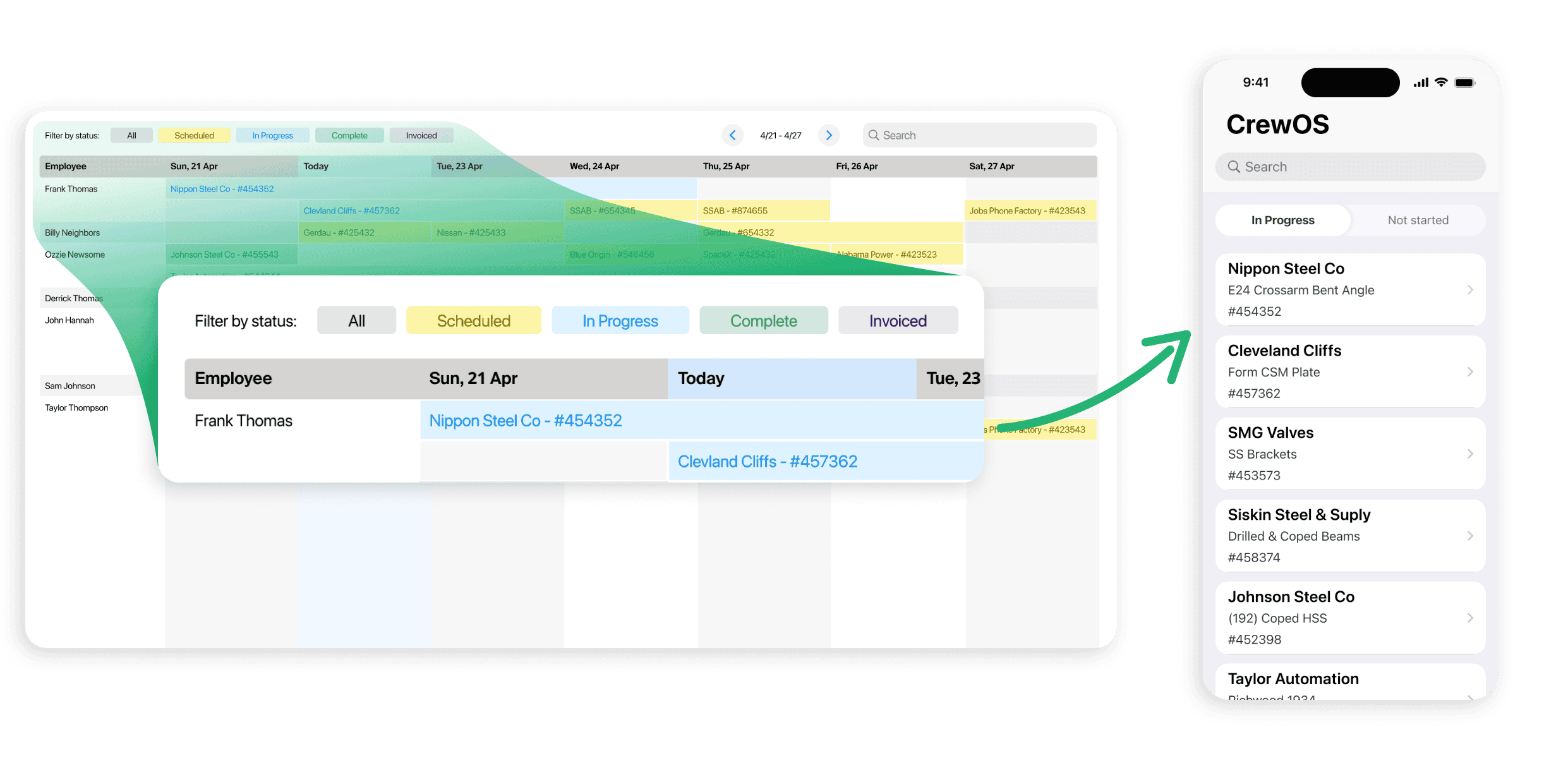
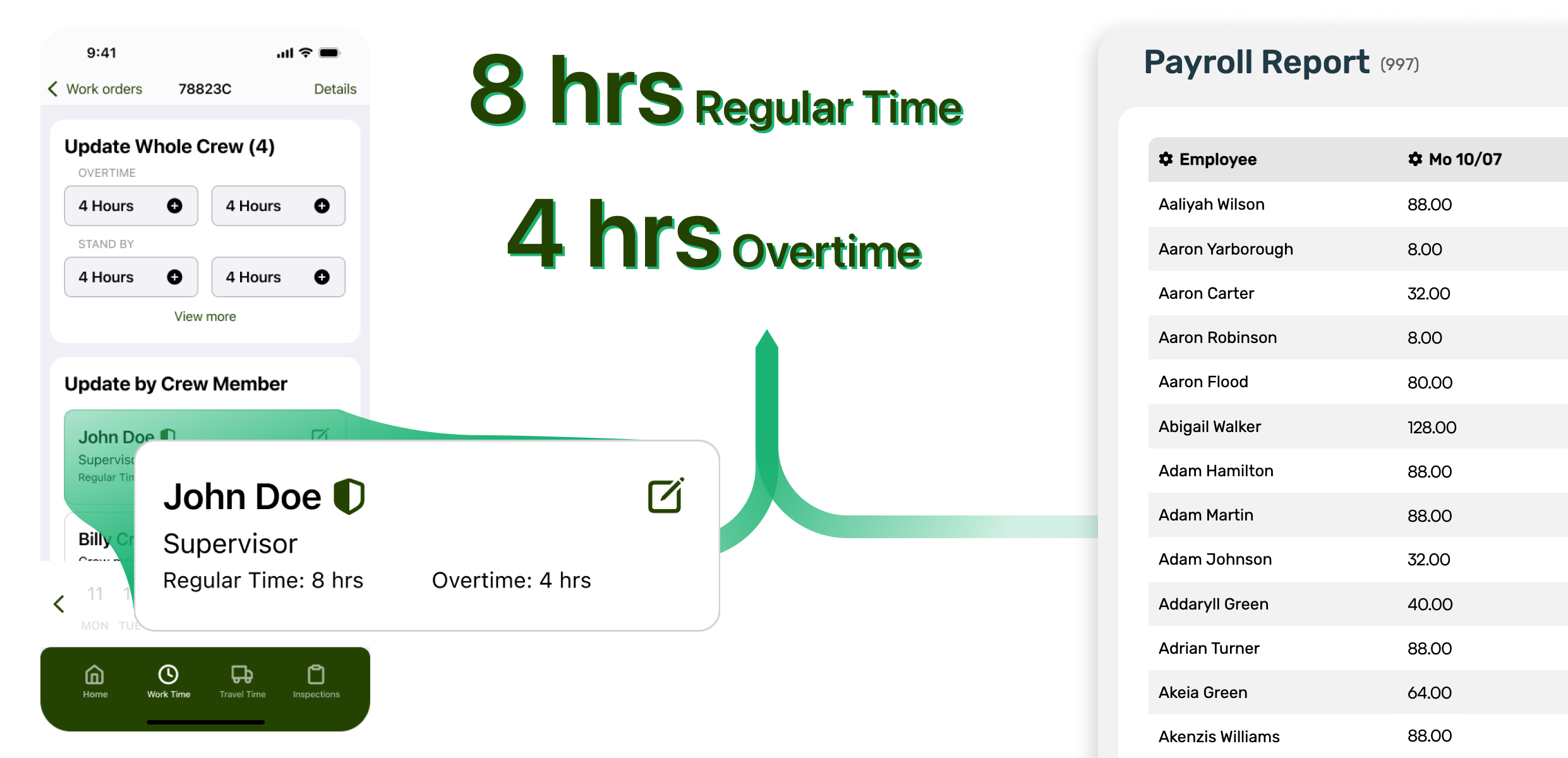
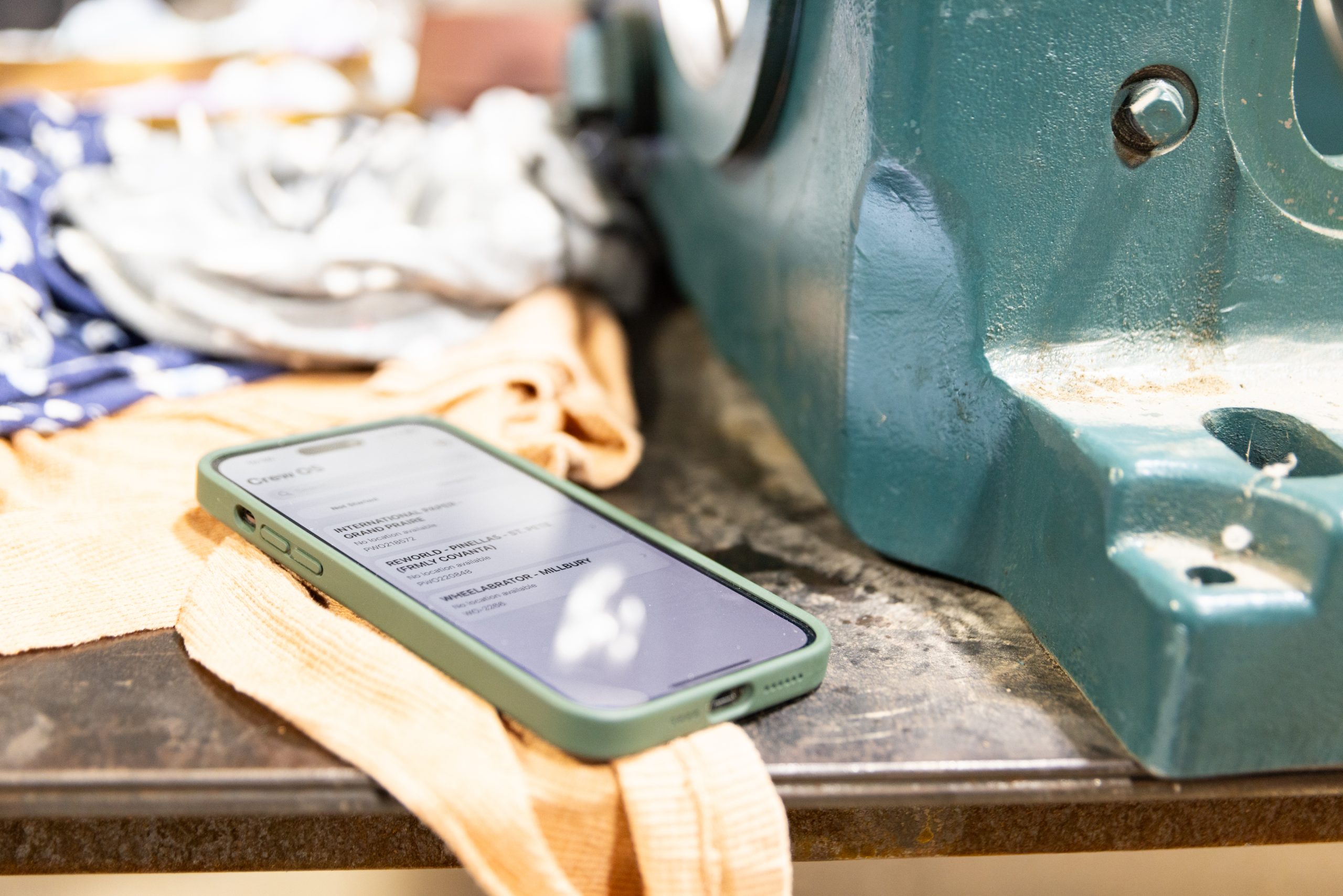
Crews record time directly in the field through the crewOS mobile app, whether online or offline. Every hour is instantly tied to the correct job, role, and pay type, removing guesswork and after-the-fact corrections.
2. Built-In Pay Logic
crewOS uses your company’s unique rules, like overtime, per diem, shift differentials, and travel pay, to calculate payroll automatically. This ensures consistent application of policies and eliminates the manual math that often leads to disputes.
3. Seamless Approvals
Supervisors can review, adjust, and approve time entries in real time. No more waiting for paper timesheets or spreadsheets to come back from the field. One click, and it’s ready for payroll.
4. Integration That Works
Data flows directly from the field to the office and is ready for your accounting or ERP system. crewOS connects every piece of the process, so what gets captured in the field is what gets paid, every time.
5. Full Visibility
Managers can track payroll status across crews and jobs with live dashboards. You’ll always know what’s been approved, what’s pending, and what’s costing you the most.
Less Time Processing. More Time Leading.
Every hour your back-office team spends fixing timesheets or reconciling reports is time taken away from strategic work. With crewOS, payroll automation means fewer corrections, faster approvals, and instant visibility into labor costs.
That efficiency doesn’t just improve payroll. It improves performance across the board:
- Field teams get paid accurately and on time.
- Supervisors spend less time on admin and more on oversight.
- Finance leaders gain immediate clarity on labor spending.
The result? Payroll that’s not just faster, but smarter.
The Bottom Line: Less Friction, More Confidence
In industrial service, precision is a competitive advantage. Automating payroll with crewOS turns one of your most time-consuming administrative burdens into a streamlined, transparent process that scales with your business.
When your data flows seamlessly from the field to the back office, everyone wins: the crews, the managers, and the bottom line.
See how payroll automation can simplify your operation.
Let's Connect
We’ll help you gain the edge every field service operation needs.